

Listen to this article in summarized format
×
Subscribe to

Unlock AI Briefing and Premium Content
New Year Offer 24 Hours Left
Subscribe NowAlready a member? Sign In
What's Included
- Exclusive Stories
- Daily ePaper Access
- Smart Market Tools
- Curated Investment Ideas
- Ad-lite Experience
Subscription

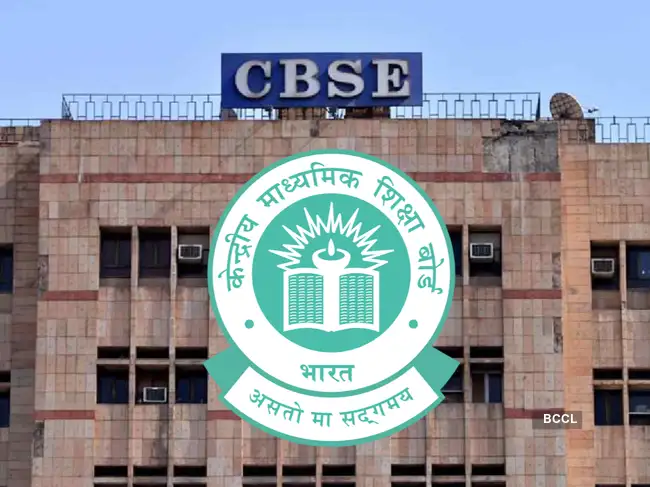
The Central Board of Secondary Education is expected to announce the Class 10 board exam results for 2026 soon, although no official date has been confirmed yet. Sources indicate the results are likely to be declared before the end of April, once evaluation and moderation processes are completed.
Amid anticipation, DigiLocker has issued an advisory indicating that digital marksheets will be made available on its platform. The notification has urged students, particularly those without an APAAR ID, to create their accounts in advance to avoid last-minute delays.
After DigiLocker, the UMANG app hinted that CBSE 10th Class results might be announced soon. "CBSE 10th results will be announced on the UMANG app. Stay tuned—visit http://umang.gov.in or download the app to check your results," a tweet from UMANG app read.
ALSO READ: CBSE 10th Results 2026 Date, Time Live
Students who already have their APAAR ID linked with CBSE will be able to directly access their marksheets in the ‘Issued Documents’ section on DigiLocker once results are announced.
How to access CBSE Class 10 results
Students can check their results through multiple official platforms:
(You can now subscribe to our Economic Times WhatsApp channel)
Amid anticipation, DigiLocker has issued an advisory indicating that digital marksheets will be made available on its platform. The notification has urged students, particularly those without an APAAR ID, to create their accounts in advance to avoid last-minute delays.
After DigiLocker, the UMANG app hinted that CBSE 10th Class results might be announced soon. "CBSE 10th results will be announced on the UMANG app. Stay tuned—visit http://umang.gov.in or download the app to check your results," a tweet from UMANG app read.
ALSO READ: CBSE 10th Results 2026 Date, Time Live
Students who already have their APAAR ID linked with CBSE will be able to directly access their marksheets in the ‘Issued Documents’ section on DigiLocker once results are announced.

How to access CBSE Class 10 results
Students can check their results through multiple official platforms:
- results.cbse.nic.in
- cbse.gov.in
- results.nic.in
- DigiLocker and UMANG app
How to create DigiLocker account without APAAR ID
Students without an APAAR ID can still access their results by creating a DigiLocker account:- Visit the CBSE DigiLocker portal
- Click on ‘Get Started’
- Enter required details and school-provided access code
- Verify mobile number via OTP
- Account will be activated
Steps to check results online
- Visit the official CBSE results website
- Click on “Class X Results 2026”
- Enter roll number, school number, admit card ID and DOB
- Submit details
- Download marksheet
Key update
- Results not expected immediately today, but likely soon
- DigiLocker notification signals imminent release
- Students advised to prepare login credentials in advance
Add  as a Reliable and Trusted News Source
as a Reliable and Trusted News Source Add Now!
(You can now subscribe to our Economic Times WhatsApp channel)
( Originally published on Apr 14, 2026 )












 ETPrime Membership